Attaching and Mounting an EBS Volume to EC2
Cloud Specialist with hands-on experience in Microsoft Azure, now transitioning into AWS. I’m focused on building, deploying, and optimizing cloud solutions while sharing my learning journey through real-world projects and documentation.
Introduction:
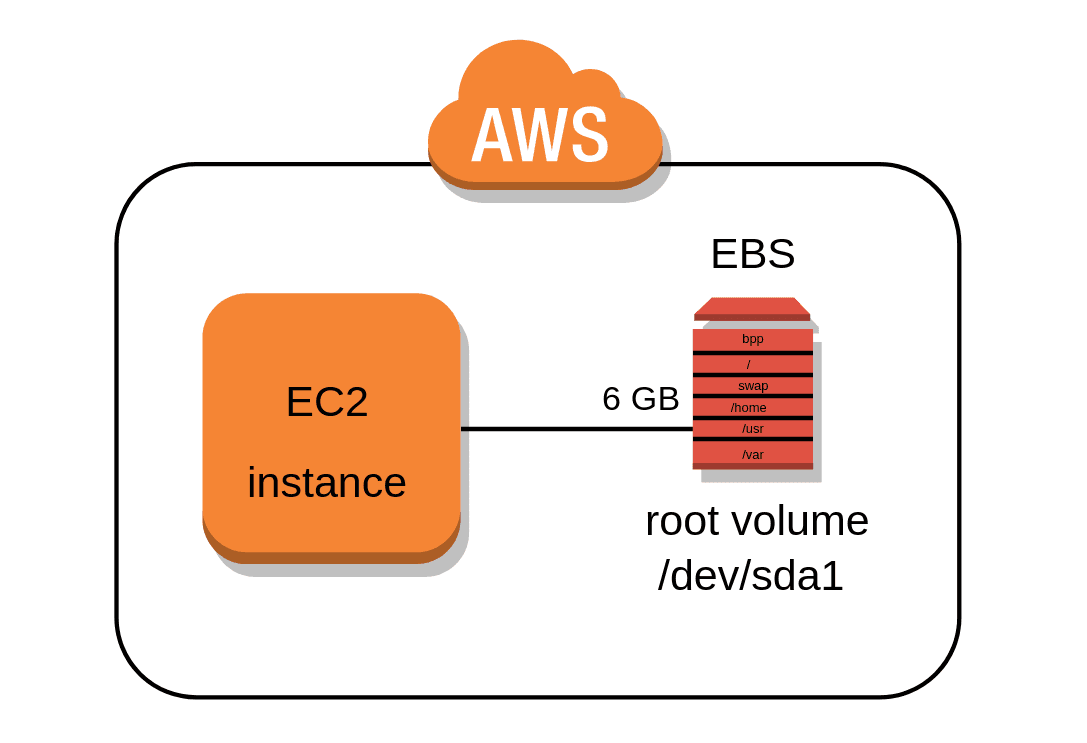
One of the most exciting parts of my AWS learning journey so far has been understanding how compute (EC2) and storage (EBS) work together.
This week, I took a big step by learning how to attach and mount an EBS volume to an EC2 instance — a hands-on task that gave me a deeper understanding of how cloud storage really functions in real life.
🧩 What I Did
After launching my EC2 instance, I created a new EBS volume in the same Availability Zone.
EBS (Elastic Block Store) is basically like attaching an extra hard drive to your virtual machine — giving you more space to store data, logs, or even backups.
I then:
Attached the volume to my EC2 instance.
Formatted it with the
ext4file system using:sudo mkfs -t ext4 /dev/xvdfCreated a directory called
/datato mount it:sudo mkdir /data sudo mount /dev/xvdf /dataVerified that it was successfully mounted with
df -h.
Seeing my /dev/xvdf volume show up under /data was such a satisfying moment — because it meant I had successfully connected AWS compute and storage just like a real Cloud Engineer.
🧠 What I Learned
Separation of Compute and Storage
EC2 instances can be stopped or replaced, but EBS volumes stay persistent — meaning your data is safe even when the instance is down.Scalability and Flexibility
I can add or remove volumes anytime without disrupting the instance.Data Persistence and Backup
Using EBS snapshots, I can create instant backups and restore them whenever needed.Real Cloud Mindset
It taught me that in the cloud, you never “lose” data — you just manage where it lives.
🪴 Reflection
This project gave me a real feel for how AWS services connect and work together. What seemed like a small task at first turned out to be a powerful exercise in data persistence, scalability, and resilience — key pillars of cloud computing


